< Previous | Contents | Next >
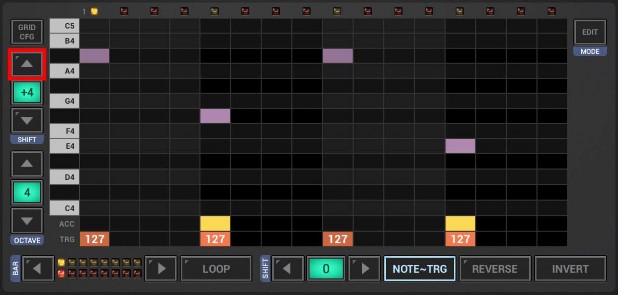
The Note Shift feature on the Sampler Note Grid is used to shift the Sequence of the currently selected Track up/down in the tonal scale.
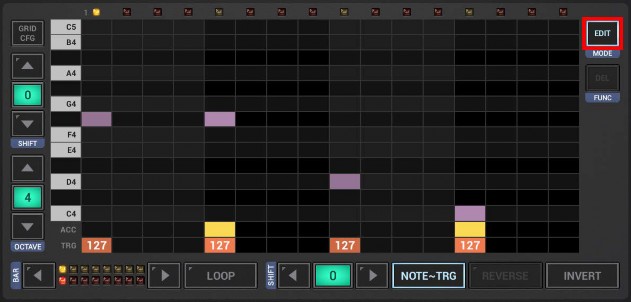
To shift only a part of the Sequence, first click the Edit Button to switch to the Edit mode.
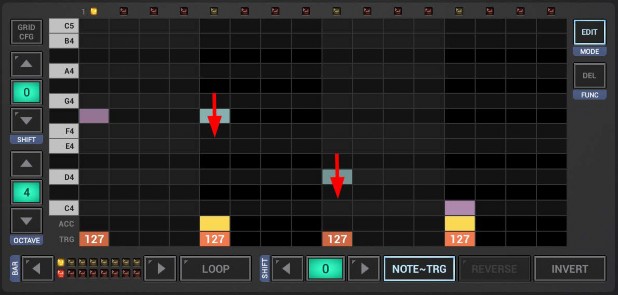
Select the notes you want to shift. To select notes, simply swipe with your finger over particular events.
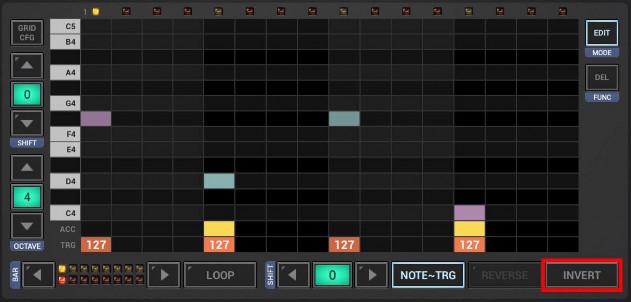
Likewise, you can also use the Sel Bar button in the edit side bar. Short press to select all notes of the current bar.
Long press to select all notes of all bars.
Shift the selection.
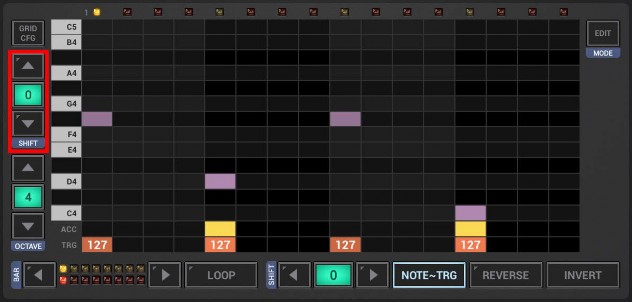
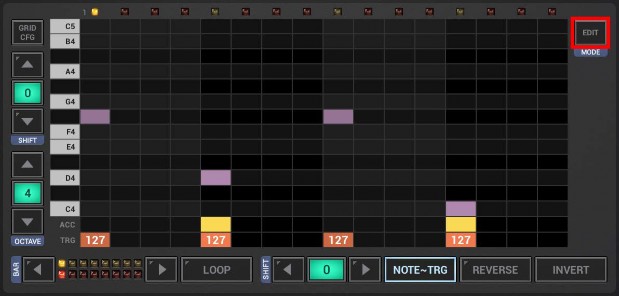
And finally, to get back to normal mode, click the Edit button again.
 Get this Doc as PDF