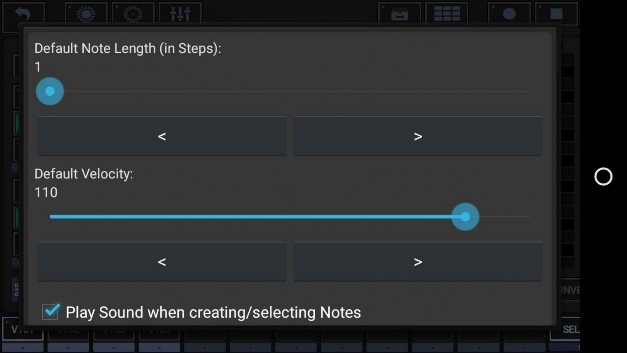
The Tonal Grids offer two modes to place and modify notes.
By default, Single Note Touch-Move-Drop is selected. This is the more modern grid mode, and it’s strongly recommended to keep it active. Multi Note Paint (classic) is kept as an option for backward compatibility reasons only.
When touch the Poly Grid, a single note is created. While keeping your finger on the screen an move it around, you can move the note to wherever you want it. The note stays where you release your finger from the screen.
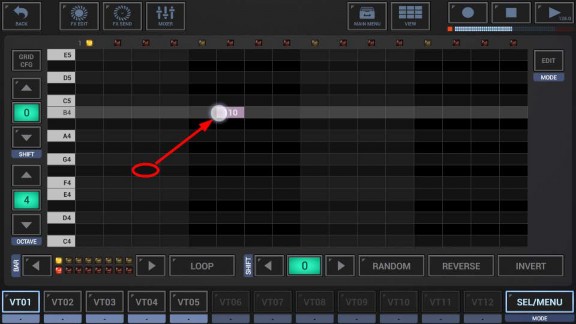
Furthermore, you can simply touch and hold an existing note and move it around.
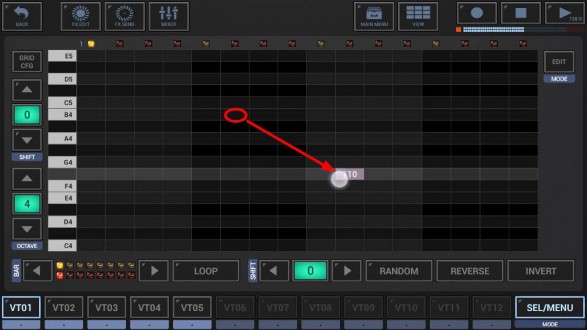
This mode is just kept for backward compatibility.
It’s recommended to use Single Note Touch-Move-Drop instead.
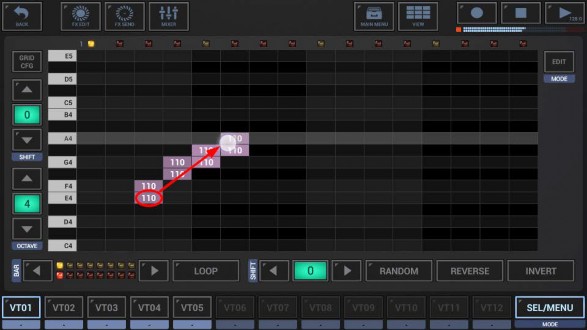
Nevertheless, if you prefer Multi Note Paint (classic), here is how it works.
When touch the Poly Grid, a single note is created. While keeping your finger on the screen an move it around, a note is created in every cell you come across.
 Get this Doc as PDF