< Previous | Contents | Next >
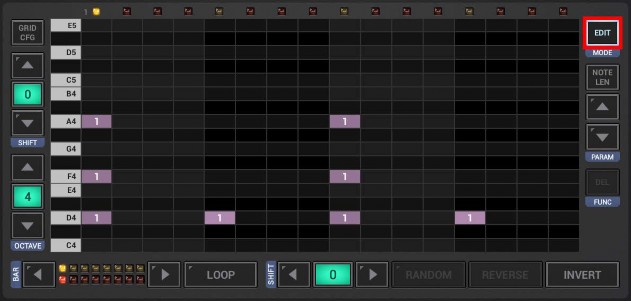
To change the Length of one or multiple Note Events, first click the Edit Button to switch to the Edit mode. Then use the Parameter Selection Button to switch to Note Length.
Select the notes you want to edit. To do so, simply swipe with your finger over particular events.
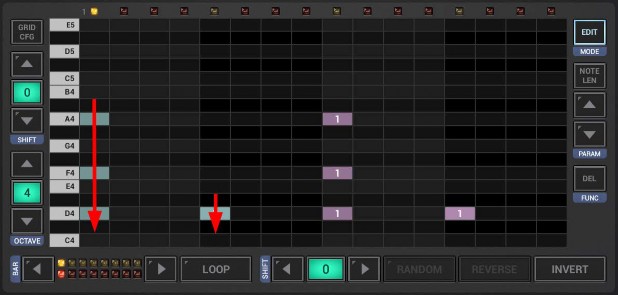
Likewise, you can also use the Sel Bar button in the edit side bar. Short press to select all notes of the current bar.
Long press to select all notes of all bars.
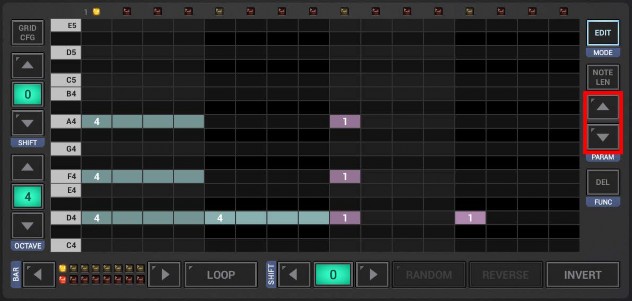
Now use the Up/Down Arrows to change the length of the selected notes.
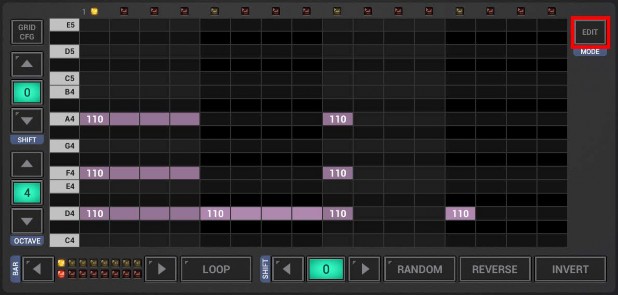
And finally, to get back to normal mode, click the Edit button again.
 Get this Doc as PDF