< Previous | Contents | Next >
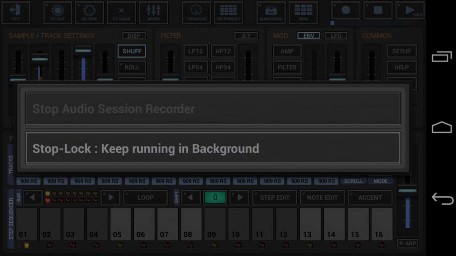
Start a new Audio Recording Session.
The Audio Session Recorder lets you record the Master Out Signal as .wav in real-time. This makes it very easy to capture the audio while you’re doing live jams.
(for details see Chapter: Audio Export & Bouncing > Audio Session Recorder / Real-Time Audio Export)
Start a new (empty) Audio Editor, ready to record a new Sample. (for details see Chapter: Audio Editor > Capture/Record Samples)
Turns the Metronome Click ON/OFF.
Adjust the Volume of the Metronome Click.

 Get this Doc as PDF