
< Previous | Contents | Next >
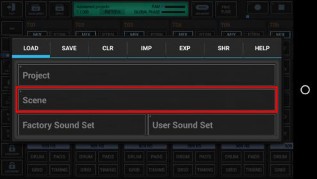
Show up the ‘Main Menu’.
Then select the ‘Load’ tab and long press ‘Scene’ to show up the System Files Picker.
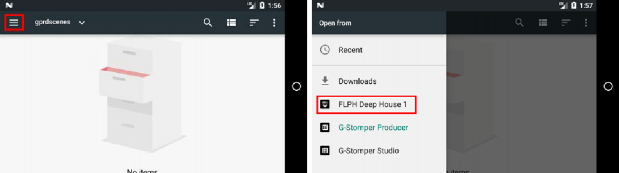
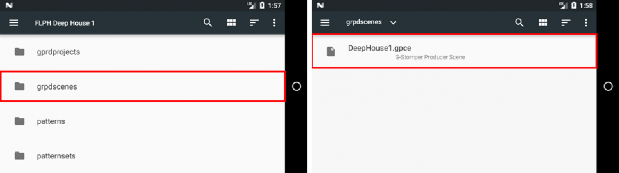
Once the System Files Picker shows up, press the “Menu” button (the three horizontal lines) in the upper left corner (or likewise swipe from left to right), and then select the pack from the menu. Inside the pack content, navigate to the Scenes and select the one you want to import.
G-Stomper | Add-On Packs | V.6.1.2.1 |
 Get this Doc as PDF